Run your laundry shop faster, from one screen.
Bill in seconds, track every order from receive to delivery, print clear bills in English and Arabic, and send them to your customer on WhatsApp.
Built for the front desk, the back room and the owner
One system for billing, tracking, customers, printing and reports.
Fast billing
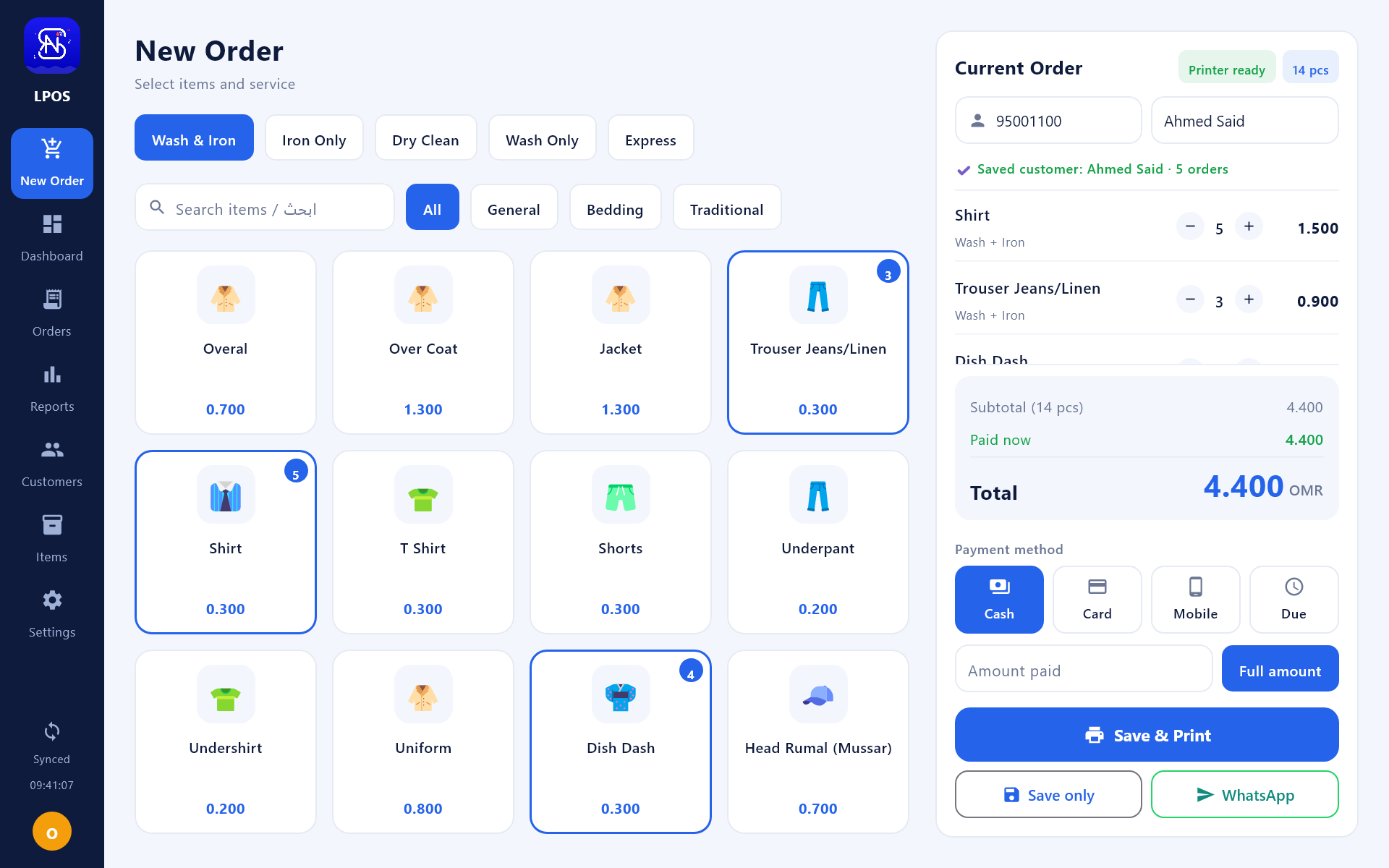
Tap items with photos, pick Wash & Iron, Iron only, Dry clean, Wash only or Express, add stain notes and take payment in cash, card, mobile or on credit.
Customers by phone number
Type a number and the name appears. See every order, what was paid and what is still due, then message the customer in one tap.
Order board
Received, Washing, Ready, Delivered. Move an order forward with one click and spot unpaid or waiting orders at a glance.
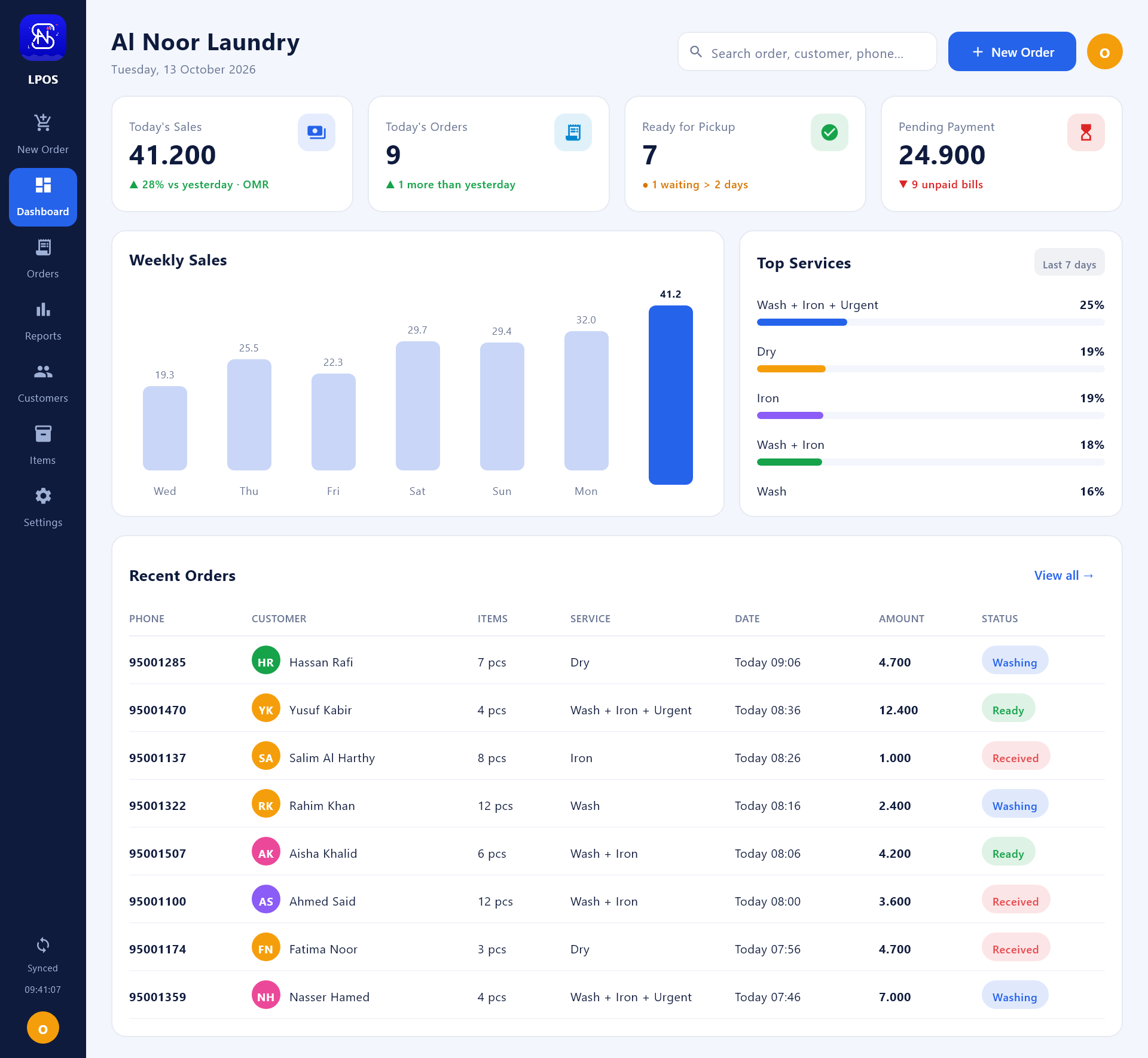
Dashboard & sales reports
Today's sales, weekly chart, top services, payment methods, best-selling items and money still to collect.
Thermal bills with your logo
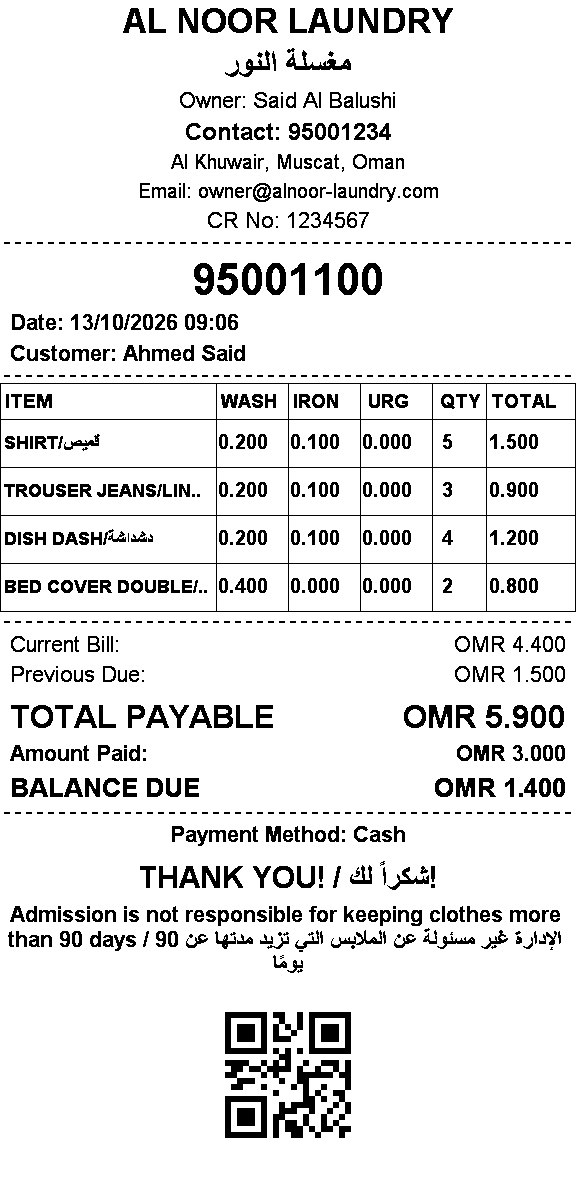
Prints your logo, shop name in English and Arabic, item grid, previous dues, totals, thank-you note and a QR code. Works with Windows and network receipt printers.
Bill on WhatsApp
Send the bill as a picture, not typed text, straight into the customer's WhatsApp chat.
Items, prices & photos
Add items and categories, set wash, iron, dry-clean and urgent prices and upload a photo. Changes reach the mobile app too.
One account, cloud sync
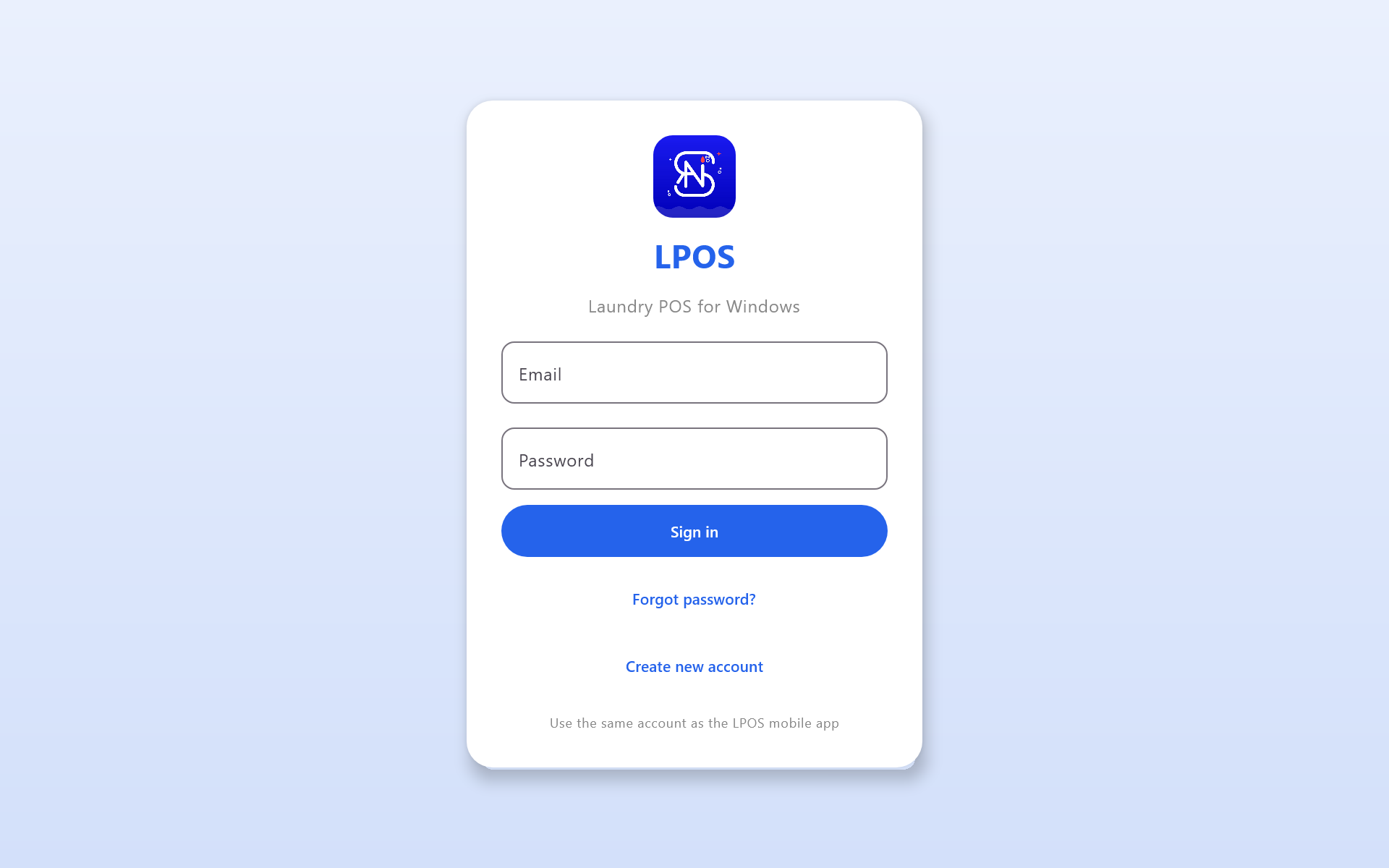
Sign in with the same account on PC and mobile. An order made on one shows on the other.
Your shop, your rules
Shop profile, bill footer, currency, printer connection and paper width are all set inside the app.
Start in three steps
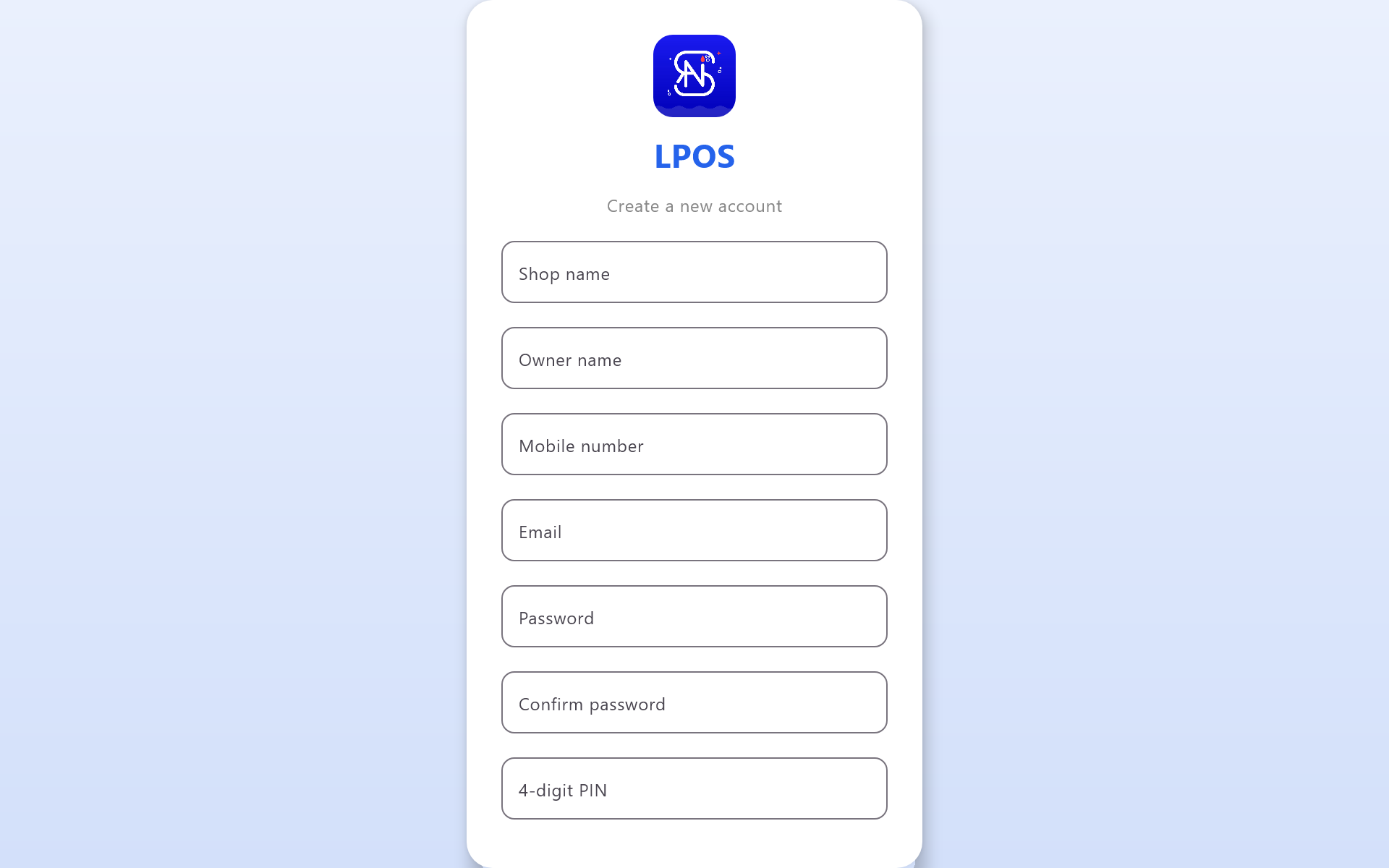
Create your account
Register once, then use the same email and password on PC and mobile.
Set up your shop
Add your logo, prices and printer. Your items sync to every device.
Start billing
Pick items, take payment, print or WhatsApp the bill. That is it.
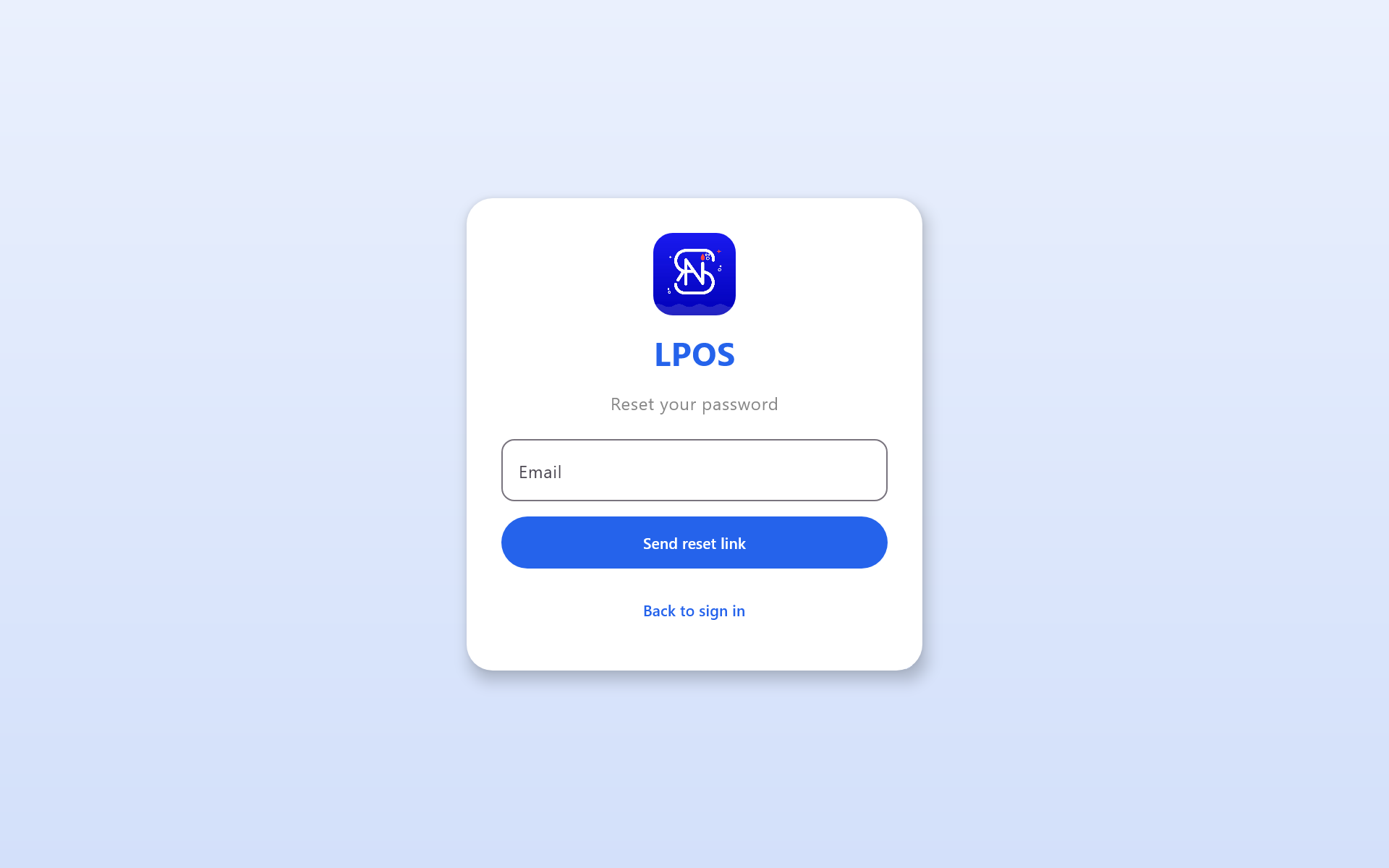
Every screen of the Windows app
Real screens with sample data. Click a picture to enlarge it.
Take your shop in your pocket
The same account and the same data as the PC app, made for the counter, the delivery van and the owner on the move.
- Create orders and bills from your phone
- Print on Bluetooth or network thermal printers
- Scan the QR on a bill to open the customer and all their orders
- Staff PIN lock, item and price editing
- English, Arabic and Bangla
Get LPOS for your PC and your phone
Install, sign in and you are ready. Both apps use the same account.
Windows PC
Windows 10 / 11, 64-bitIf Windows shows "Unknown publisher" the first time, click More info, then Run anyway.
Android phone
Android 7.0 or newerOpen the file on your phone. If asked, allow installing apps from this source.
New here? Create your account · Sign in
Questions
Does it work without internet?
Yes. The PC app keeps taking orders offline and syncs them when the internet is back. Changing items or the shop profile needs a connection.
Which printers can I use?
80 mm or 58 mm thermal receipt printers installed in Windows or connected on your network by IP address. The mobile app also prints on Bluetooth printers.
Can the bill show Arabic and my logo?
Yes. Upload your logo, add your shop name in Arabic and edit the thank-you message and footer note in Settings. The bill has the same look on PC and mobile.
How do I send a bill on WhatsApp?
Press the WhatsApp button on the order. LPOS opens the customer's chat in WhatsApp Desktop and sends the bill picture.
Is my data shared between PC and phone?
Yes. Both apps use the same account and the same cloud data, so orders, customers and items match everywhere.
How much does it cost?
Create an account and open the Plans page in the app or the web dashboard to see the current plans.
Ready to bill faster?
Download LPOS and run your first order in minutes.